Persjay AI Agent Firewall brings an approval queue to WordPress
 By Persjay Apps2 min read
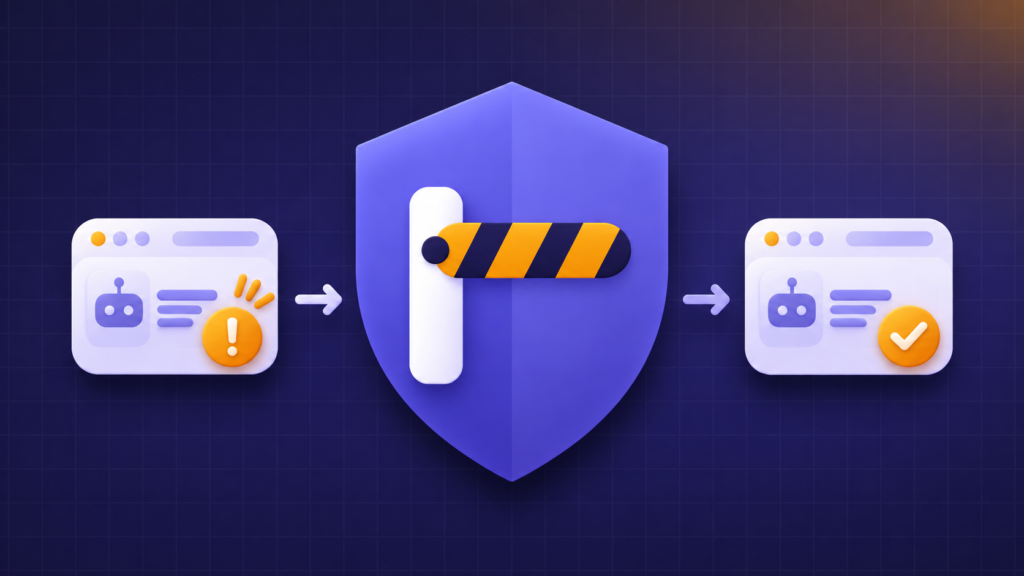
Ask an AI agent to update your shipping FAQ and you might have a particular workflow in mind. The agent can work on drafts on its own. Before it changes the page your customers read, you want to see the edit. Persjay AI Agent Firewall, now available on WordPress.org, lets you set that rule once and apply it to the agents connected to your site.
Review an edit before it goes live
Take that shipping FAQ. With the Balanced preset, an agent can edit a draft on its own. If it tries to change the published page, Agent Firewall holds the request and sends you an email. Open Agent Firewall → Approvals in your WordPress dashboard to see the current wording alongside the proposed edit.
That preview gives you a chance to catch the small things that matter. Maybe the agent changed “ships within three business days” to “arrives within three business days.” You can spot that promise before a customer sees it. If the edit looks right, approve it and the plugin applies the original request. If a teammate has edited the page in the meantime, you’ll see a warning first.
See what each agent did
Give each agent connection a name and its activity becomes easier to follow. If a paragraph disappears, the audit log can help you trace the edit to the agent that made it. The free plugin also lets you undo agent changes to posts and pages, including restoring deleted content. If one agent keeps making unexpected requests, you can pause that connection while you look through its history.
For WooCommerce stores, some decisions always come back to a person. Changes to payment gateways and other store settings require approval, even for a trusted agent.
Try it on your site
In your WordPress dashboard, open Plugins → Add New Plugin and search for Persjay AI Agent Firewall. After activation, the setup questions help you choose rules for your blog, store, or membership site. If you already use the WordPress MCP Adapter to connect an AI assistant, you can keep that connection.
A simple first test is to choose Balanced and ask your agent to correct a typo on a published page. You’ll get to see exactly what lands in your approval queue before you give the agent a bigger job.
Get Persjay AI Agent Firewall on WordPress.org · Explore the features on Persjay
Keep reading
Persjay Webhook Rescue Is Now on WordPress.org
Persjay Webhook Rescue has been accepted to the WordPress.org plugin directory. Stop WooCommerce's 5-strike silent webhook deaths, inspect failed deliveries and e-mails, and replay them in one click.
Read article