
WordPress 7.2 Adds a Random Post Link to Every Site: What Visitors Could Find
WordPress 7.2 adds a /random/ link that sends visitors to a random published post, switched on by default. Here's what it could surface on your site and how to tidy up before December 8.
 By Persjay Apps4 min read
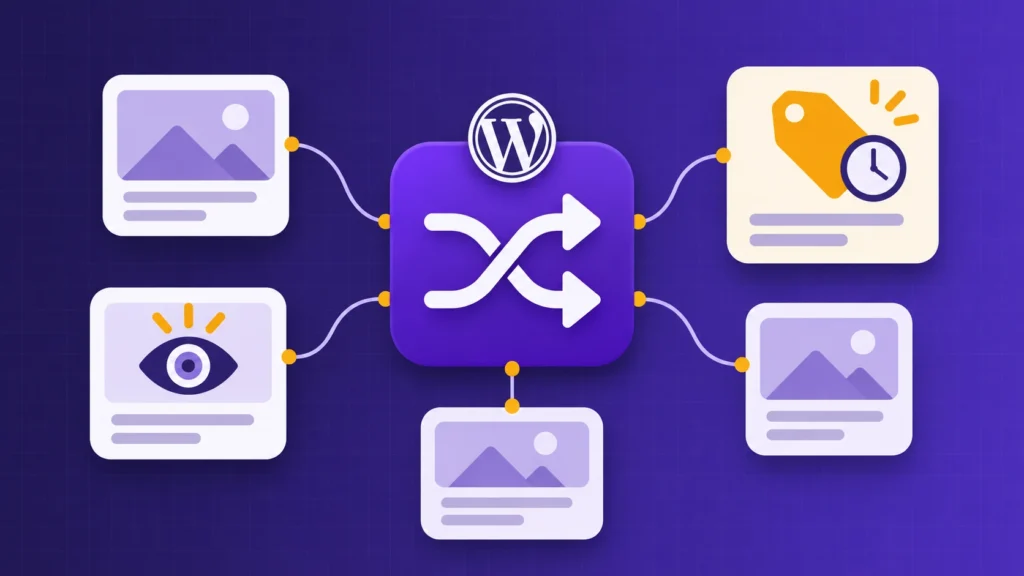
WordPress 7.2 is due on December 8, and one of its smaller additions is getting a lot of attention from developers: a built-in “random post” link. It sounds like a fun extra, and it can be. But it also adds a new public address to every site that upgrades, and it’s switched on by default. Here’s what it does, what it might show your visitors, and how to stay in control.
What’s new
According to the developer note published on November 5, WordPress 7.2 adds a /random/ address. Visit yoursite.com/random/ and WordPress sends you to a randomly chosen published post. There are variations too:
/random/category/news/for a random post in a category (tags work the same way)/random/author/name/for a random post by a particular author/random/your-post-type/for custom content types that have an archive, such as portfolios or recipes
Regular posts are included by default. Pages and media attachments are not. The word “random” in the address can be changed under Settings → Permalinks. The feature is currently in testing (WordPress 7.2 Beta 4 came out on November 3), so details could still change before the final release.
Why site owners should care
For a blog with a big archive, a “Surprise me” link is a nice way to bring old posts back to life. But “any published post, picked at random” also includes posts you may have forgotten about:
- Expired promotions. Last year’s Black Friday announcement, a sale that ended months ago, or an event that has already happened.
- “Hidden” posts that aren’t really hidden. Some site owners publish a post but leave it out of menus, treating it as a quiet landing page for an email campaign or a partner. If it’s published, the random link can now lead people straight to it.
- Thin or outdated content. Test posts, placeholder announcements, or old advice you’d rather nobody read today.
There’s also a caching wrinkle. The developer note doesn’t cover page caching, but in the comments one tester reported that behind a page cache, /random/ sent everyone to the same post. That’s not a security issue, but if you plan to promote the link, test it on your own setup first.
What to do before December 8
- Review your published posts. Go to Posts → All Posts, sort by date and look for anything that’s out of date, a duplicate, or never meant for the general public. Update it, switch it back to draft, or make it private.
- Stop relying on “unlinked” as a way to hide things. If a post should only be seen by certain people, make it private, protect it with a password, or restrict the content itself. Leaving it out of the menu was never real protection, and the random link makes that more obvious.
- Add end dates to time-limited content. Promotions are the easiest thing to forget. Wherever you can, set offers up so they switch off by themselves when they end, rather than relying on someone remembering to take them down.
- Decide whether you want the feature at all. If you don’t, a developer can switch it off with a one-line snippet in a small must-use plugin:
add_filter( 'wp_enable_random_content_redirect', '__return_false' );. The developer note also explains how to exclude specific categories from the random selection. - Test on a staging site. As with any major update, try 7.2 on a copy of your site first, visit
/random/a few times and see where it takes you, with and without your caching switched on.
Keeping old promos and members-only sections in check
Steps 2 and 3 are where a conditional content plugin can help. With Visigate, you can give a sale banner or offer block a date range so it switches itself off when the promotion ends, and show members-only sections of a post only to logged-in users or specific roles. Rules run on the server, so content that doesn’t match is never sent to the visitor’s browser, wherever they arrive from, including a random link.
The takeaway
The random post link is a small, friendly feature, and many sites will enjoy it. Just treat it as a prompt: once 7.2 arrives, assume every published post can be found by anyone. A quick tidy-up now means visitors only stumble onto content you’re happy for them to see.
Sources: Make WordPress Core: “Your Content Is Going To Get More Random!”, WordPress 7.2 Beta 4.
Keep reading
Persjay Graveyard Is Now on WordPress.org
Persjay Graveyard, the free plugin that finds dead, abandoned and leftover plugin clutter and cleans it up safely, is now on WordPress.org.
Read article
A Closed WordPress Plugin Is Under Attack, and No Fix Is Coming
Attackers are targeting a critical flaw in CryptoPayment Gateway, a plugin closed on WordPress.org with no patch coming. Here's what to do if you use it, and a simple routine to find closed plugins on any site.
Read article