
Skip to content
Persjay Apps
  • Plugins
    • Visigate
  • Docs
  • Blog
  • About
  • Contact
  • Plugins
    • Visigate
  • Docs
  • Blog
  • About
  • Contact

Tutorials

Step-by-step WordPress guides from Persjay Apps.

How to Show Different Content on Mobile and Desktop in WordPress
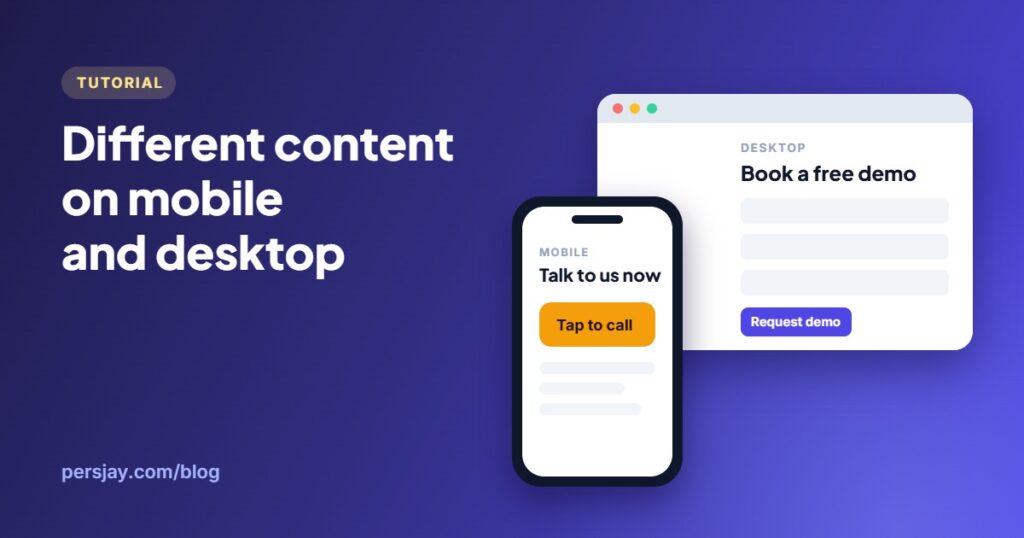
Illustration: different content on a phone and a desktop screen

CSS hiding vs server-side device rules: how to show different content to mobile and desktop visitors in WordPress, with caching tips and a step-by-step setup.

How to Show Content Only to Logged-In Users in WordPress (4 Ways)
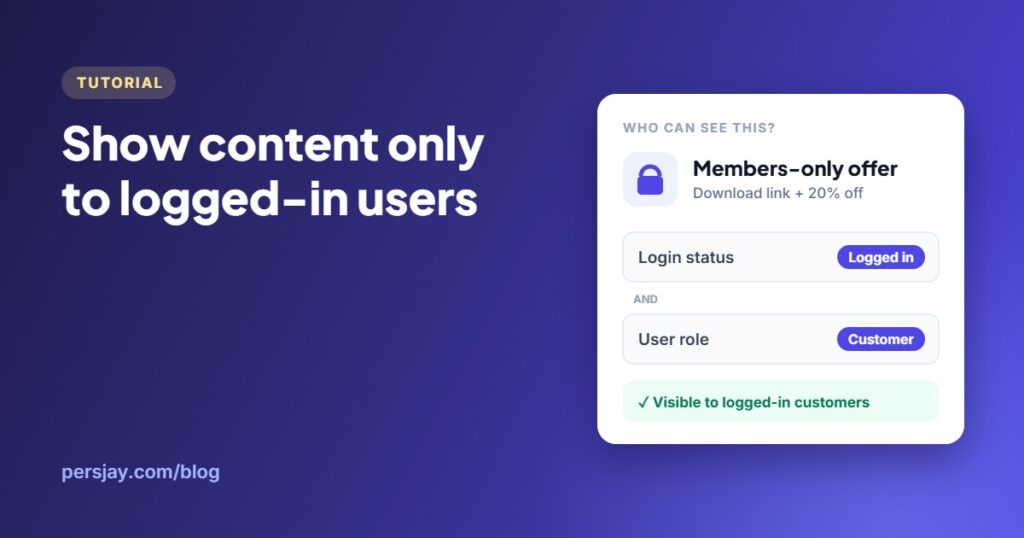
Illustration: a members-only offer visible only to logged-in customers

Four ways to show content only to logged-in users in WordPress, from private pages and a PHP shortcode to a no-code rule for any block or Elementor element.

Persjay Apps

WordPress plugins built to just work

  • Product
    • Visigate
    • Pricing
    • Docs & Support
    • Documentation
  • Company
    • About
    • Blog
    • All plugins
    • Contact
  • Legal
    • Privacy Policy
    • Terms of Service
    • Refund Policy

© 2026 Persjay Apps. Payments handled by Freemius, our Merchant of Record.

Powered by CookieAdmin
Necessary cookies enable essential site features like secure log-ins and consent preference adjustments. They do not store personal data.
None
Functional cookies support features like content sharing on social media, collecting feedback, and enabling third-party tools.
None
Analytical cookies track visitor interactions, providing insights on metrics like visitor count, bounce rate, and traffic sources.
None
Advertisement cookies deliver personalized ads based on your previous visits and analyze the effectiveness of ad campaigns.
None
Unclassified cookies are cookies that we are in the process of classifying, together with the providers of individual cookies.
None
Powered by CookieAdmin